Create a Device Scout
Device Scouts are used to discover, monitor, and manage networked devices (such as printers or MFPs) in your environment. Creating a Device Scout establishes a record in HP Insights so you can download, install, and configure the software on a Windows Server that has network access to your printers. This is the first step in deploying the Device Scout service in your environment.
- Navigate to the Discover > Device Scout.
- Click the Create button to create a new Device Scout record.
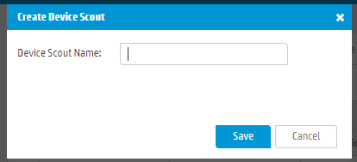
- Enter a name for the Device Scout, then click Save.
The Device Scout will be ready for download.