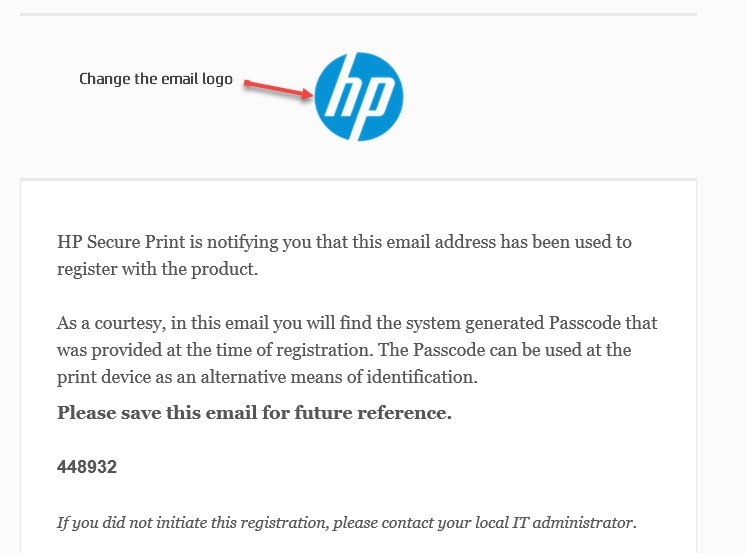
Change the email template logo
You can add your company logo to the email notification that users receive when they register to HP Secure Print through OpenID or internal authentication.
-
In the web console, go to Account Settings > Theme.
-
In the left menu, click Email Template.
-
Click the upload button. In the browser window that opens, select the image to replace the original logo with.
-
Click Save.