Sign in with your Windows username and password
If your organization uses Active Directory, sign in on the printer screen with your Windows username and password.
1
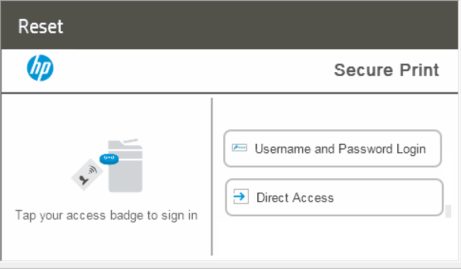
Select Username and Password Login
On the printer screen, select Username and Password Login.
2
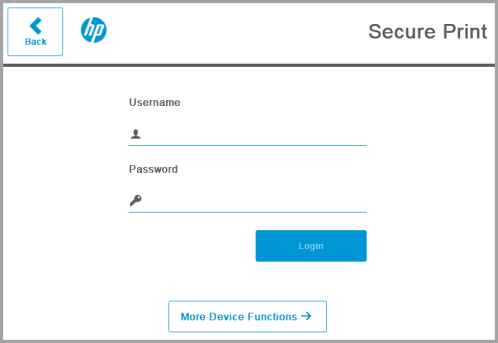
Enter your username and password
Enter your Windows username and password.
Next step
You're signed in, and your held jobs are listed. Choose the ones you want and select Print. See Release jobs at the printer.